AI conversations
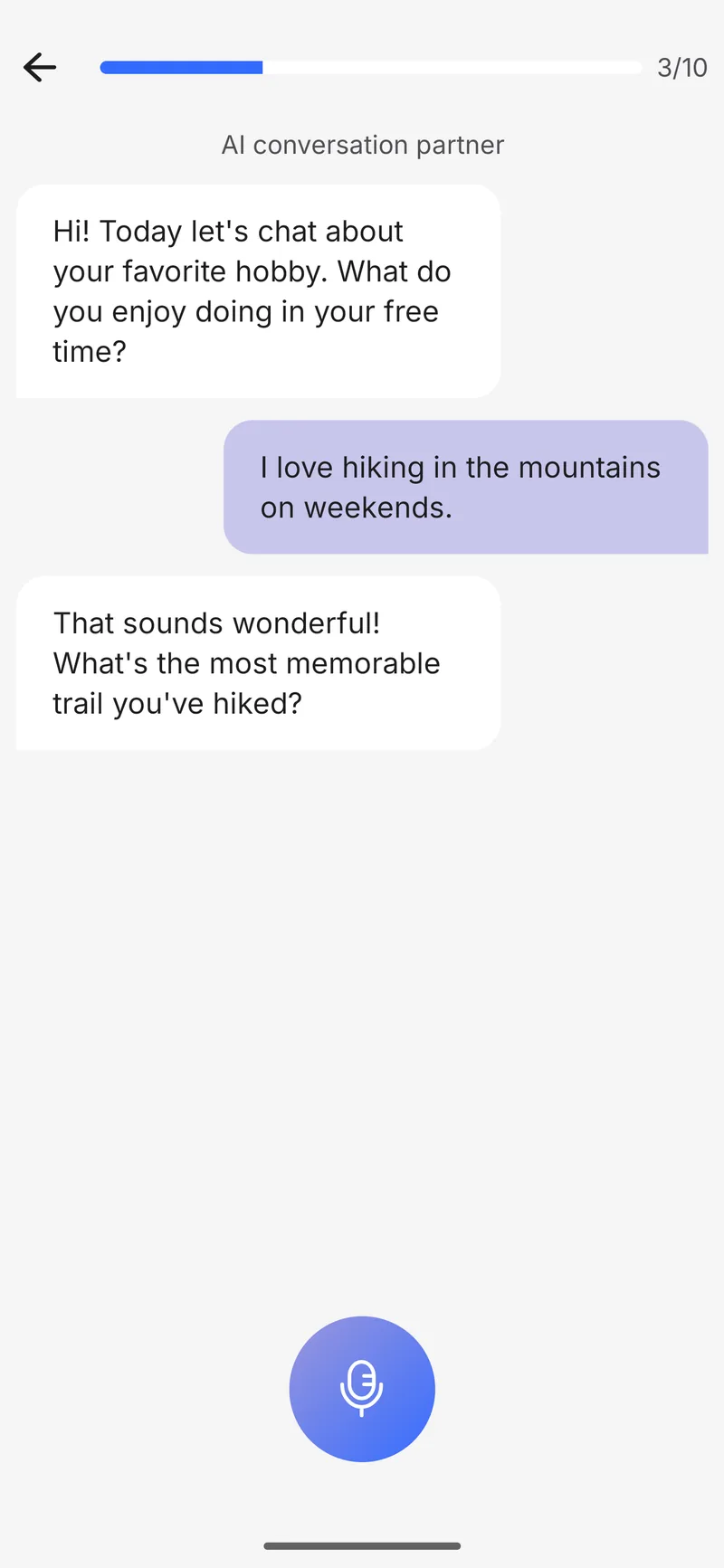
open-ended dialogues that adapt to your level
AI feedback on every word. Practice real conversations and pronunciation that finally clicks.
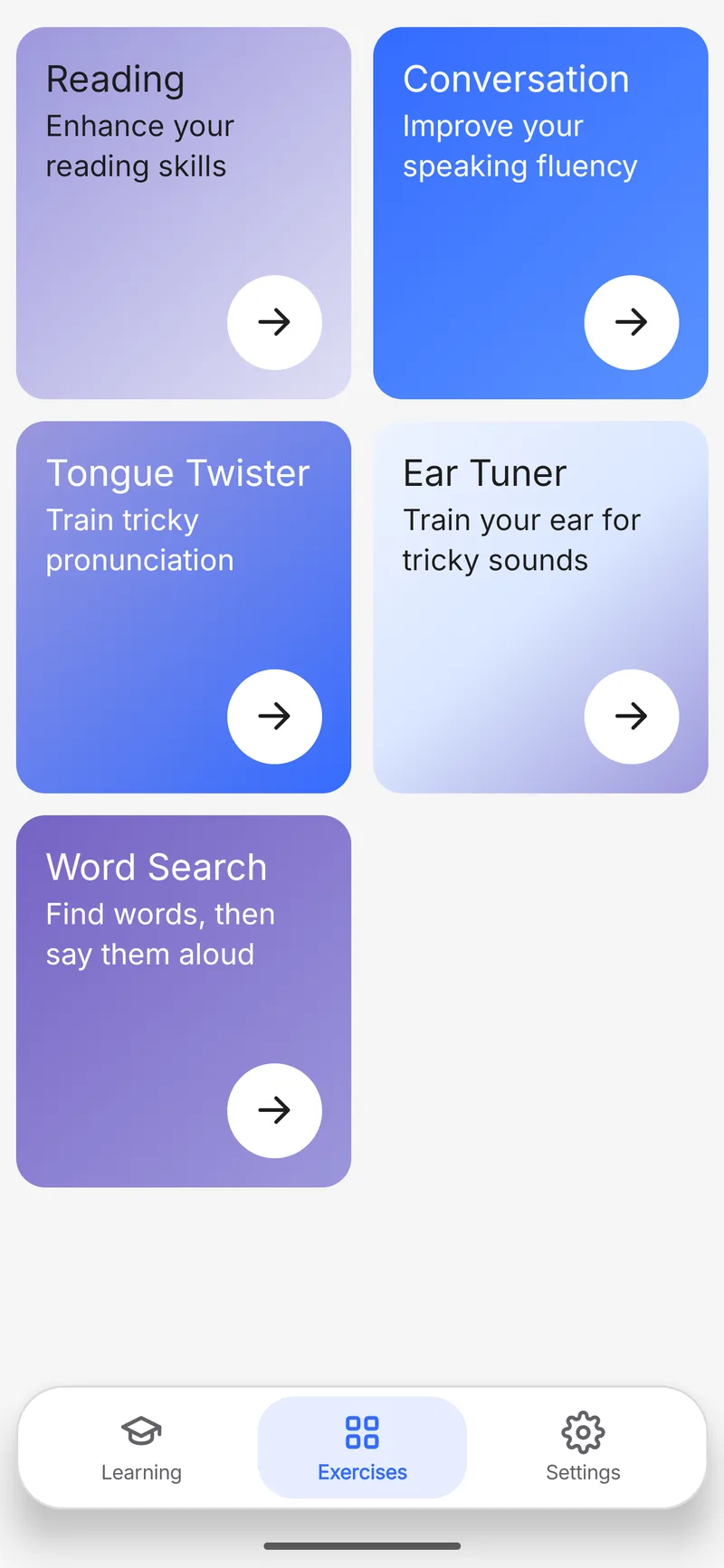
open-ended dialogues that adapt to your level
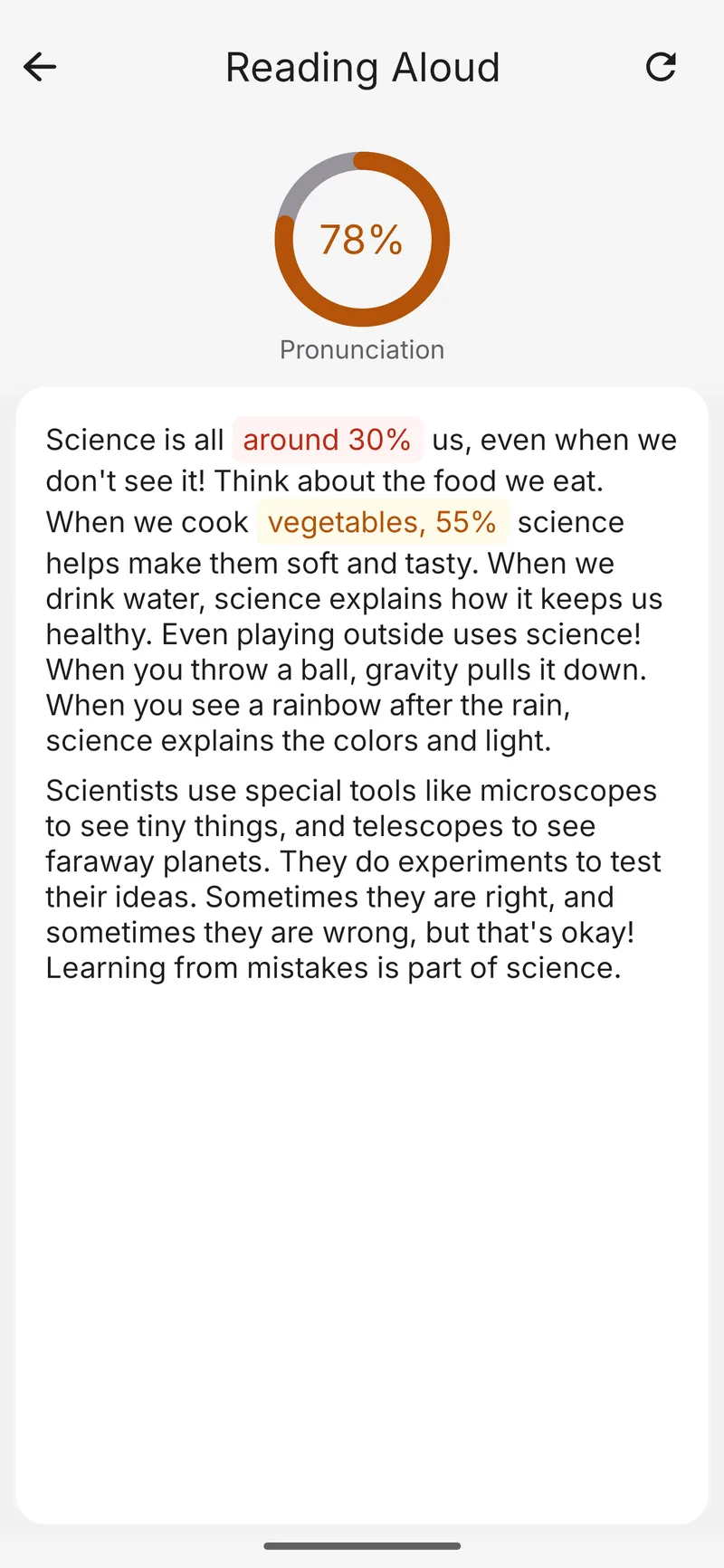
passages matched to your skill, scored on pronunciation and pacing
targeted exercises built around the words you stumble on
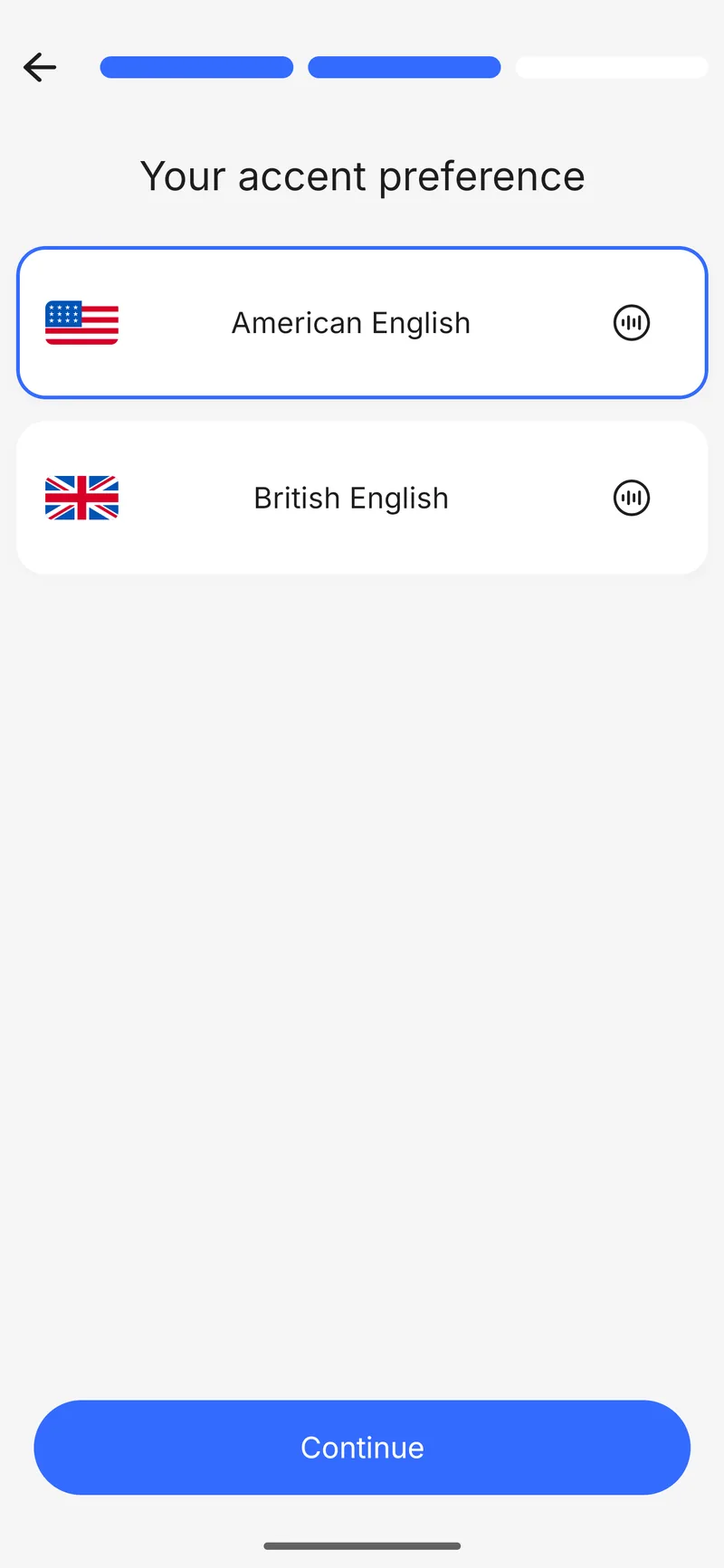
train against American, British, Australian, Canadian, or Indian accents
everyday talk, travel, work, interviews, and more
see how your accent and fluency improve over time
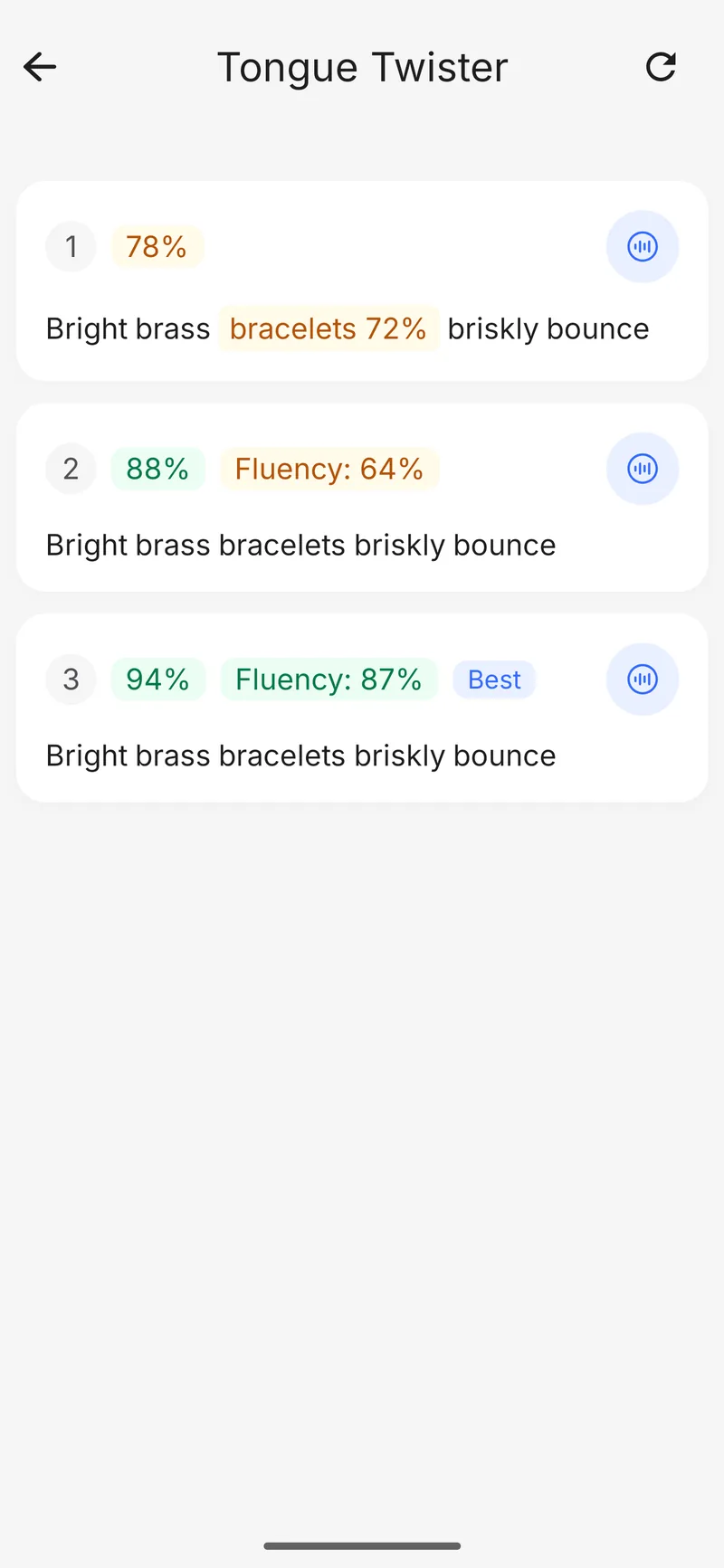
Instant feedback
Every recording is scored word by word. Nail a clean run and SpeakRight celebrates it; slip on a sound and it shows you precisely where — so you always know what to practice next.
Pick your accent goal and skill level during onboarding.
Choose a topic or exercise type from the home screen.
Speak into your phone — SpeakRight listens, transcribes, and highlights what to work on.
Get scored feedback on pronunciation, stress, and rhythm.
Replay native audio and re-record until it clicks.
Learners preparing for IELTS, TOEFL, or job interviews in English.
Professionals who want to be understood in meetings and calls.
Travelers sharpening conversational English.
Anyone tired of textbook grammar and wanting real speaking practice.
SpeakRight is an AI-powered English pronunciation app for iPhone, iPad, and Android. You speak into your phone — AI conversations, read-aloud passages, tongue twisters — and it scores every word, showing exactly which sounds to fix. You can train against an American, British, Australian, Canadian, or Indian accent. The app also has two more exercises: Ear Tuner and Word Search.
Most language apps drill vocabulary and grammar. SpeakRight focuses on speaking: it listens to your voice, scores pronunciation word by word, and builds practice around the words you actually stumble on — plus open-ended AI conversations for real speaking practice.
SpeakRight is free to download and free to start practicing. A subscription removes the limits and unlocks unlimited exercises; new subscribers get a free trial.
Yes. New subscribers get a free trial — start it from the in-app subscription screen. You can cancel before it ends and won't be charged.
Subscriptions are managed by Apple and Google, not by us. Cancel anytime in App Store Settings → Subscriptions or Google Play → Payments & subscriptions. Access stays active until the end of the current period.
SpeakRight teaches English. The app's interface is available in many languages, including English, Russian, Spanish, Chinese, and Brazilian Portuguese — see the language menu in the app for the full list.
An internet connection is required for AI feedback, conversation generation, and pronunciation scoring. Most actions in the app rely on real-time analysis from the backend.
Audio is sent to our backend and to speech-recognition / AI providers (Azure Speech, an LLM API) for transcription and pronunciation analysis. Recordings are tied to your exercise history. See the Privacy Policy for details and contact options for deletion requests.
SpeakRight runs on iPhone, iPad, and Android phones and tablets. Make sure microphone access is granted during onboarding.
Email support@getspeakright.com. We aim to reply within two business days.
Master English rhythm, stress, and pacing by shadowing broadcast news clips step by step with transcripts and audio.
Learn how to use shadowing with YouTube videos to improve English pronunciation, rhythm, and speaking fluency with this step-by-step practice guide.
Learn how to use podcasts for English speech shadowing to boost pronunciation, rhythm, and natural speaking fluency with a step-by-step routine.
Download SpeakRight and record your first line.